
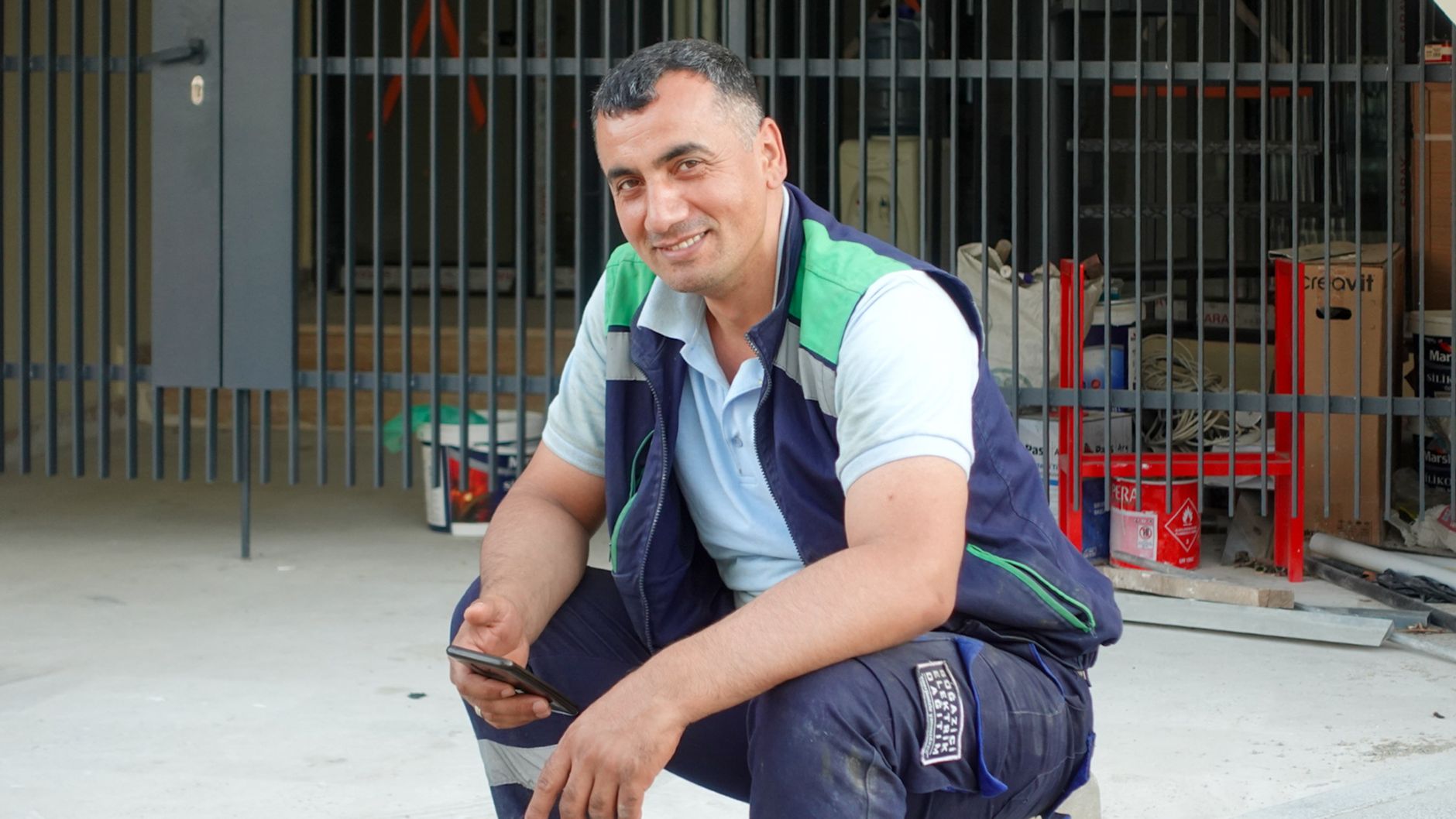
An attendance app UAE employers can rely on does four things: it records the punch from the employee's own phone, checks it against a work-site zone, can ask for a photo, and keeps the punch if there is no signal. A terminal on the wall does not help the driver, the site engineer or the person at the client's office.
Wurxa publishes this guide and is one of the products it discusses. It is written for the buyer's side of the table: what to ask, what to switch on, and what to leave off.
Who actually needs a mobile attendance app in the UAE?
Anyone whose working day does not start at a door with a terminal next to it. In a UAE company that is usually a mix:
If every person in your company clocks in at the same door, a terminal may be all you need. Most multi-site employers end up with both, and the useful question is whether the two feed one record. We cover the terminal side in our biometric attendance buyer's guide. For a wider look at attendance and payroll software as a whole, see our attendance and payroll software guide. This page is only about the phone.
What should a clock-in app for employees do on day one?
Strip away the feature lists and a phone attendance app has to answer one question for a payroll clerk: did this person work, from when to when, and can I trust it?
That breaks into five checks.
How does GPS geofence attendance work?
A geofence is a circle drawn around a work site. When an employee taps clock in, the app reads the phone's location and compares it with the circle for the site they are assigned to.
In Wurxa this is a per-workspace setting with three positions: off, flag, or refuse.
Each site has its own zone. The radius is adjustable from 50 metres up to 2,000 metres, with 150 metres as the starting point. The wide range is deliberate: a villa project and a large industrial site should not share one number.
Is a geofence proof that someone was there?
No, and any vendor that says otherwise is overselling. A geofence trusts the location the phone reports. Phones can be wrong indoors, and a determined person can feed a phone a false location. Treat the geofence as a reasonable check that catches honest mistakes and casual shortcuts, and review the flags instead of treating each one as a verdict.
Our suggestion for a first month:
This is also kinder to staff. People accept a rule more readily when they have watched it work without penalising them.
Should you turn on a clock-in photo?
A clock-in photo asks the employee for a picture when they punch from the phone. It is a switch the owner turns on, and it is off until then.
It helps most where nobody sees the start of the shift: field teams, delivery routes, a security post at a client site. It adds little where staff already clock in at a terminal in front of a supervisor, and it can feel heavy-handed there.
Three points to settle before you switch it on:
If you need to be certain who is standing at a door, that is the job of a terminal. See ZKTeco attendance software for how existing terminals connect.
Can employees clock in without internet?
They can, if offline punches are switched on. This is a workspace setting in the employee app, and it is off until an owner or admin enables it.
With it on, the phone saves a punch when there is no signal and sends it later. The record then carries a label saying it was sent later from offline, so whoever reviews the timesheet can tell a live punch from a delayed one.
Two things to weigh up before you enable it:
An offline attendance app is only useful if the record stays honest after the signal returns. That label is what keeps it honest.
What about shift workers and overnight shifts?
A phone punch is only as useful as the calculation behind it. If a driver clocks in at 22:00 and out at 06:00, the system needs to know that is one shift that crosses midnight, not two broken days.
Ask any vendor to show you:
In Wurxa every attendance figure comes from one calculation, whether the punch came from a terminal or a phone. Late minutes, hours worked and overtime are worked out from the raw punches and the roster each time a report is opened, not read from a number stored when the punch arrived. That is why the phone and the terminal agree.
Can a phone replace a biometric terminal?
Sometimes, and often not entirely.
Most multi-site employers use both: terminals where there is a door and a crowd, phones for everyone else. What matters is that both land in one record. Wurxa takes punches from ZKTeco terminals a company already owns, without replacing hardware, and from the employee app. Hikvision terminals can also be added, and that integration is in Beta.
What should you ask a vendor before you buy?
Bring this list to any vendor conversation.
Be wary of any answer that promises certainty about presence. Location and photos are evidence for a human to review.
How does phone attendance connect to payroll in the UAE?
The punch is the start of a chain. The attendance record feeds late deductions, unpaid leave and overtime, and those feed the payroll run and the WPS salary file. If phone punches sit outside that chain, the benefit disappears at month end.
In Wurxa the same attendance calculation feeds the monthly report and payroll, so a phone punch from a driver counts the same as a terminal punch from the warehouse. Payroll and the WPS SIF file are a separate add-on module, so check the pricing page for what your plan includes: Wurxa pricing.
What does the UAE data protection law mean for location and photos?
A phone attendance app collects personal data: where someone was when they tapped clock in, and, if you switch the photo on, a picture of them. That makes the privacy side part of the buying decision, not an afterthought.
The UAE government portal describes the Personal Data Protection Law (Federal Decree Law No. 45 of 2021) as a framework that protects the confidentiality and privacy of individuals, and says it prohibits processing personal data without the consent of its owner, except in some cases such as a public interest or legal procedures. It also gives people the right to ask for corrections and to restrict or stop the processing of their data. Whether a particular attendance practice falls under consent or one of those exceptions is a question for your own legal adviser, not for a software vendor or a blog post.
Checked on 6 November 2026 against https://u.ae/en/about-the-uae/digital-uae/data/data-protection-laws.
What you can do as a buyer, whatever your adviser says:
How do you roll out a phone attendance app without a fight?
Most rollouts fail on trust, not technology. A short sequence works:
The employee app on the phone also carries payslips, documents and leave, which gives staff a reason to install it beyond clocking in. See the employee self-service app for what staff can do there.
What should you decide before comparing products?
Write down your answers to three questions before you compare any product. First, how many people clock in away from a door, and how many sites do they cover? Second, which of those people do you trust to clock in without a photo, and which roles need one? Third, where is the signal weakest, and how long can a punch wait before someone needs it?
The answers set your shortlist. A company with five drivers and one office needs a simple app with flag mode and no photo. A company with several client sites and a night team needs per-site zones, a way to review flagged punches each week, and offline punches with a clear label. Neither needs every feature switched on from the first day.
Where Wurxa fits
Wurxa Attendance accepts punches from the employee app and from ZKTeco terminals in one workspace. For the phone side, an owner can switch on a per-site geofence in flag or refuse mode, a clock-in photo, and offline punches. Each is off until you turn it on, so nothing changes for staff by surprise. Hikvision terminals are available in Beta. Read more on Wurxa Attendance.
If you want to talk it through, ask Sara on wurxa.com or message us, and tell us how many people work away from a terminal.
“Who is late today?”
Rafe answers from today's punches and each person's shift. Rafe is the AI assistant inside Wurxa, in English or Arabic.
Put the workflow into practice.
Start with every Wurxa feature for 14 days. No credit card required.
Frequently asked questions
How do you track attendance for staff who work away from the office?
Give them a clock-in app on their own phone, tied to the site they are assigned to. A phone punch lands in the same timesheet as terminal punches, so the monthly report and payroll read one record per person instead of a spreadsheet of messages.
Does a geofence prove an employee was at the site?
No. A geofence trusts the location the phone reports, so it is a strong signal and a useful deterrent, but not proof of presence. Treat it as a flag for a manager to review, and pair it with a clock-in photo where the work justifies it.
Can employees clock in when there is no mobile signal?
With offline punches switched on, the phone saves the punch and sends it when signal returns. The record is marked as sent later from offline, so a reviewer can see which punches did not arrive live.
Should a clock-in photo be on for everyone?
Not by default. It suits roles where nobody supervises the start of the shift, such as field and delivery work. Tell staff what is captured and why, and keep it off for people who clock in at a terminal in front of a supervisor.
Can one system handle both terminals and phones?
Yes. Wurxa takes punches from ZKTeco terminals that a company already owns and from the employee app on a phone, and both feed the same attendance and payroll calculation. Hikvision terminals are available in Beta.


