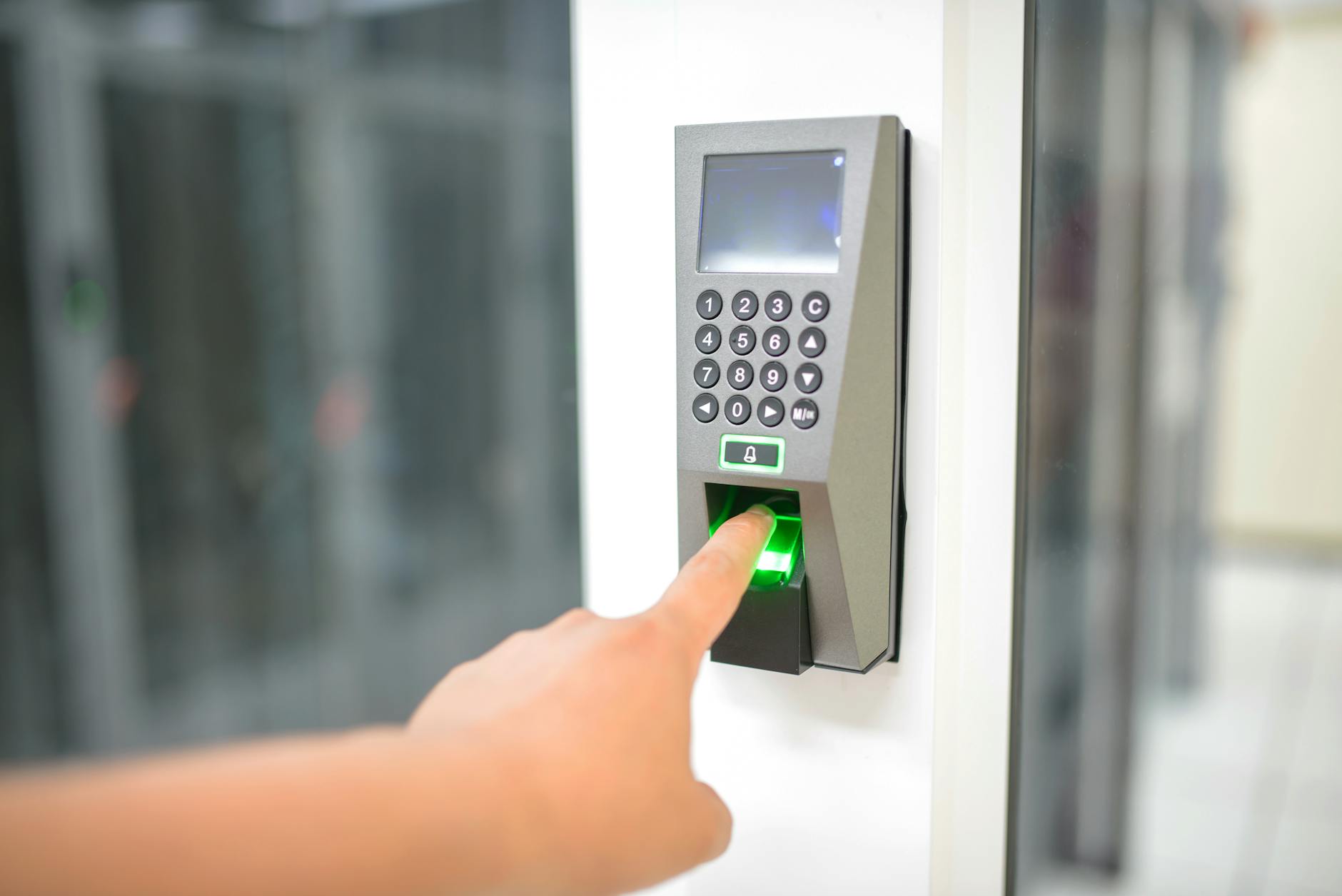
A biometric terminal does not need your server to do its job. It matches the finger or the face locally, writes the punch to its own memory, and delivers it when it can. The network carries the record afterwards; it is not part of recording it.
That distinction is why an attendance system can survive an outage without losing anything, and it is worth understanding in detail, because the same architecture explains what does go wrong.
What the traffic looks like
A terminal talks to the server in two very different ways. Most of the time it is checking in, asking whether there is anything for it to do. Only now and then is it uploading punches. On a normal day the check-ins outnumber the uploads by hundreds to one.
When we went through a day of our own server logs, the pattern was plain: the few errors that day all landed on check-ins. None landed on a punch upload.
That is not luck. It is what the traffic shape makes almost inevitable.
Why the punch upload is the safe one
The check-in is the terminal asking "do you have anything for me?". It runs constantly, from every device, on a short interval. It carries no data, and nothing depends on any single one succeeding, because another follows seconds later.
The upload is the terminal saying "here is what happened". It runs only when there is something to deliver.
So the request that matters runs hundreds of times less often than the one that does not, which means a brief server interruption is overwhelmingly likely to land on a check-in. A failed check-in is a command picked up a few seconds later, with no consequence anyone can see.
The errors also cluster into a few short windows rather than spreading through the day. That is the signature of short interruptions rather than a persistent fault, which is exactly what a restart looks like from the device's side.
The acknowledgement is the whole design
Even when a punch upload does fail, the record survives, and the mechanism is simpler than people expect.
The terminal sends its batch and waits for a reply. Our server responds with a count of what it stored. Only on receiving that acknowledgement does the terminal consider those records delivered and free them from its memory.
No acknowledgement, no deletion. A connection that times out, a server that is restarting, a 502 from a proxy: all of them leave the terminal holding exactly what it was holding before, and it tries again on its next cycle.
This is why "will a deploy lose punches?" has a boring answer. During a restart the terminal cannot deliver, so it does not delete, so it delivers afterwards instead. The only thing that changes is when the record arrives, and every record carries the time it actually happened rather than the time it was received.
Why it works from sites you do not control
The connection is outbound. The terminal dials the server, not the reverse.
That single property removes most of the infrastructure that attendance deployments used to require. No fixed IP at the site. No inbound port opened on somebody's router. No VPN between head office and a shop unit whose network is managed by the landlord. The terminal needs to reach one address on the public internet, which is a thing almost every connection can already do.
It also means a site with a weak connection degrades gracefully rather than failing. Records queue locally and drain when the link is available. In practice we see the effect of this in the delivery latency rather than in loss: promptly delivered punches arrive within about two hours of occurring, and the ones that take longer are the ones behind a poor link.
Where data genuinely can be lost
Three ways, none of them a network outage.
Somebody clears the device. A terminal holding undelivered records, factory reset or cleared during troubleshooting, loses them permanently. This is the most common real cause and it usually happens while somebody is trying to fix something else.
The device is replaced while holding a queue. Same problem with better intentions. The old unit comes off the wall with records still in it.
The queue overflows. Terminals store tens of thousands of records, so this takes weeks of disconnection for most sites. It is real but it is the least likely of the three.
Every one of these is a human action during an outage rather than the outage itself. Which suggests the correct operational rule: when a terminal is offline, restore the connection before you touch the device. Let it drain first. Whatever you were going to reset will still be resettable in ten minutes, and the records will not.
The trade-off nobody mentions
Push architecture buys the resilience described above and costs something in return, and it is worth stating because the cost is usually discovered rather than chosen.
You cannot ask a terminal anything. The server never initiates. If you want to know whether a device is holding undelivered records, you wait until it next speaks to you. Everything you know about the fleet is what it last told you, which is why the status field is a memory rather than a measurement.
Commands are answers to a question. When you want a device to do something, enrol a user, delete a template, reboot, you cannot send it. You queue it and wait for the device to ask. That is what all those check-ins are for: they exist so the server has an opportunity to reply. It is a slightly odd inversion, and it is why device commands feel slower than they should.
Given the choice again we would take the same trade. Reaching outward from the site is what makes the deployment possible at all, and a protocol that never loses a record while occasionally being slow to answer a question is the right way round for attendance. But a system built on it should be honest that fleet visibility is inherently lagging, rather than presenting a cached state as a live one.
What to check in your own system
Does the endpoint that receives punches acknowledge with a count? A generic success reply is weaker: it tells the device to delete without telling you how much was stored, and the two can disagree.
Do your error logs separate check-ins from uploads? If they are counted together, a real upload failure hides inside a much larger volume of harmless retries. Ours would have been: counted together, the errors look like noise; split by type, the result is clean.
Does every punch carry the time it happened, separately from the time it arrived? Without that, a delayed batch after an outage lands on the wrong day and the outage causes a data problem after all.
Wurxa attendance passes all three. It connects to the ZKTeco terminals you already own over ADMS push, acknowledges every upload with a count, keeps the time each punch happened apart from the time it arrived, and needs no fixed IP, open port or VPN at the site. It is free for up to 5 employees on one site, and every new workspace gets every feature for 14 days with no card. Start your free trial, or read every way a terminal fails.
Put the workflow into practice.
Start with every Wurxa feature for 14 days. No credit card required.