

Attendance software for UAE teams, free for up to 5 employees
Free for up to 5 employees, with no credit card. Wurxa takes punches from the ZKTeco terminals already on your wall or from the Wurxa phone app, shows who is in across every site as it happens, and turns the hours into overtime and WPS payroll without a spreadsheet.
The short answer
Wurxa Attendance is cloud attendance software for teams in the UAE. Staff clock in on the ZKTeco terminals you already own, which push punches to Wurxa over ADMS as they happen, or from the Wurxa phone app, which records a selfie and the location with each punch. Managers see who is present, late, absent or on leave across every site, with rosters, grace periods and rest days set per site, and the hours feed overtime and WPS payroll. It is free for up to 5 employees on one site; paid plans start at AED 1,188 a year plus VAT for up to 30 employees.
Free for up to 5 employees on one site. Every feature for 14 days, no credit card.
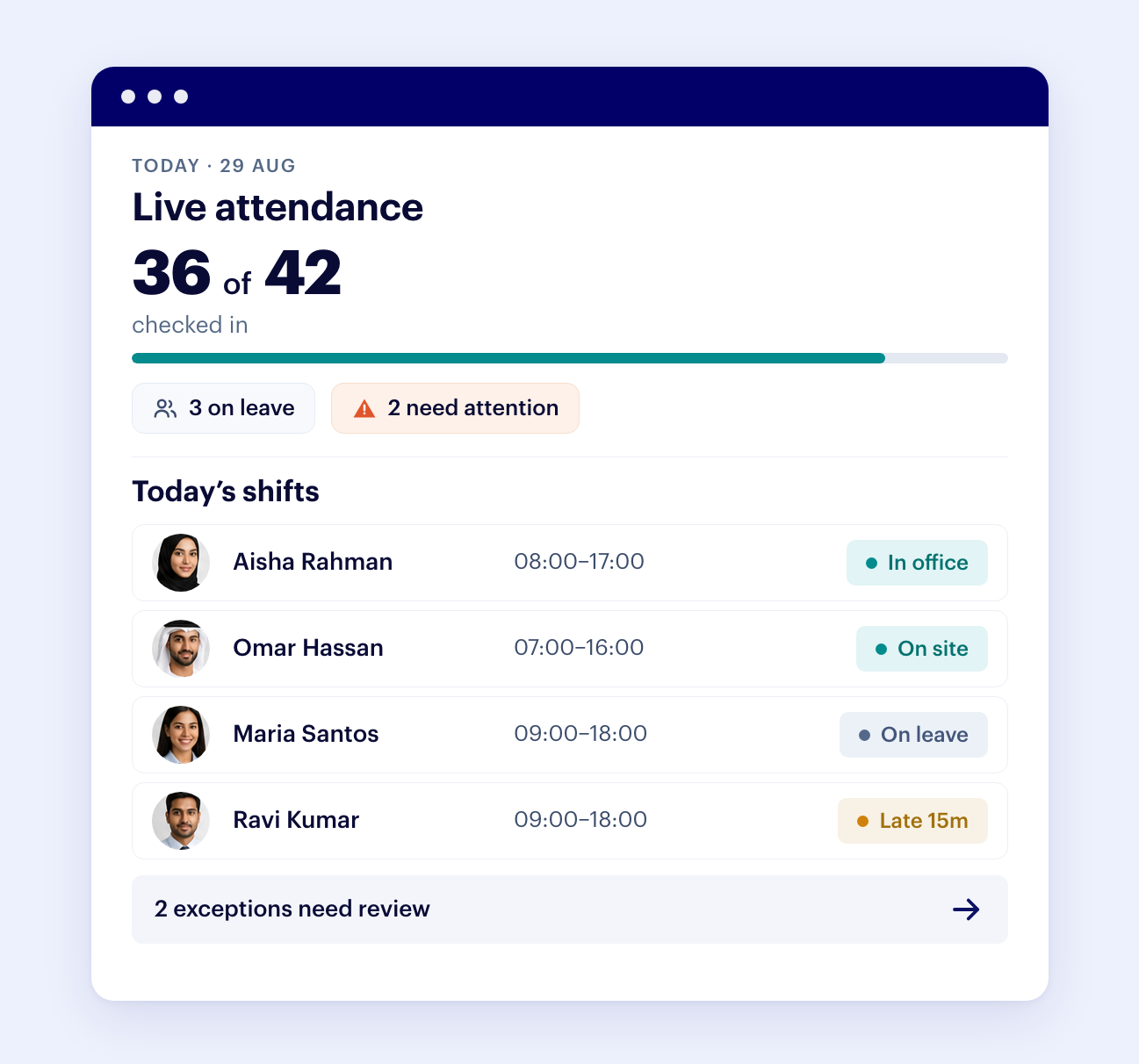
Live clock-in board
Who is in, who is late, who is on leave, across every site in one view.
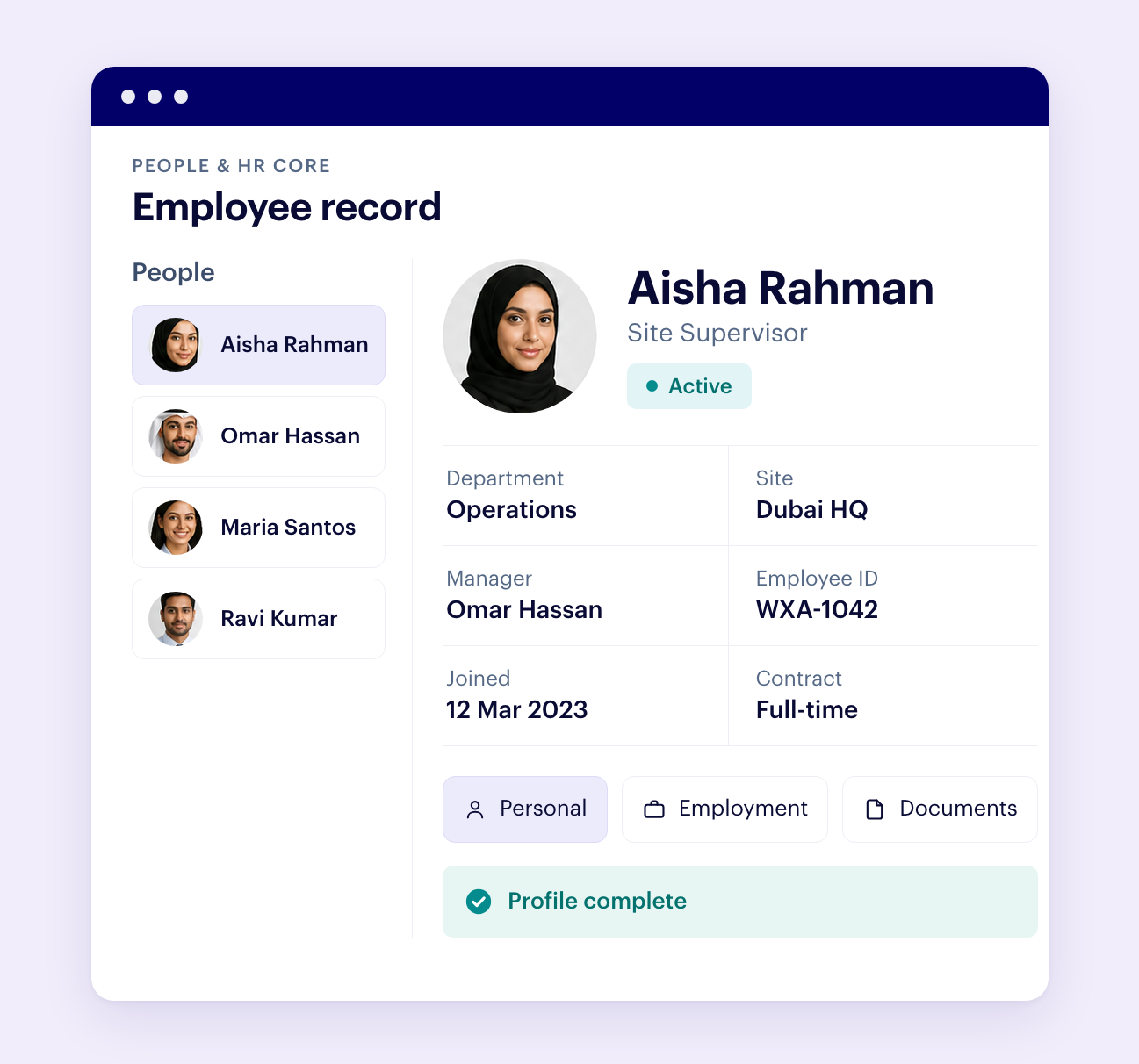
Phone or terminal
Phone punch with selfie and location, biometric terminals, or both. Most teams mix them.
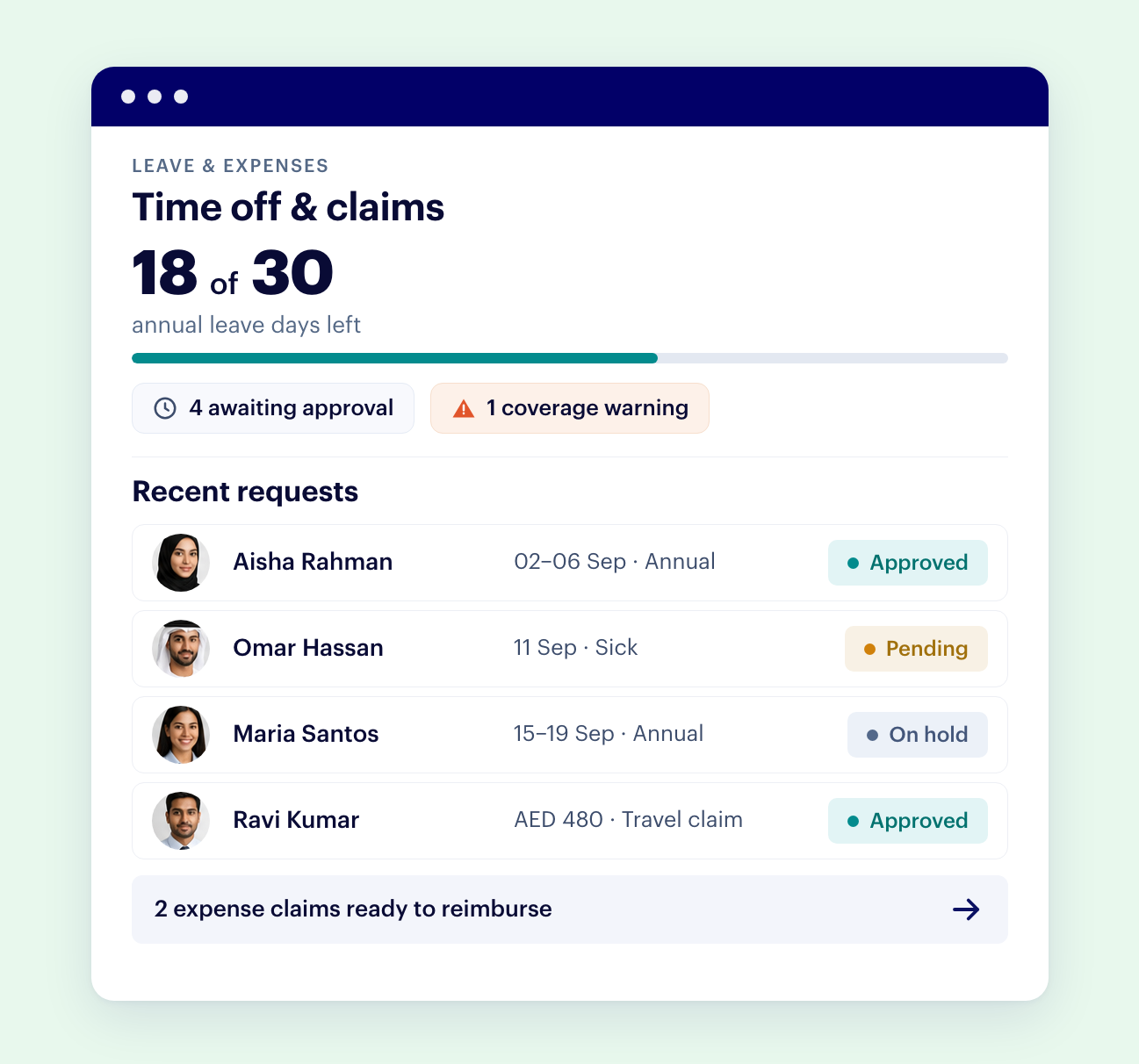
Keep your hardware
ZKTeco ADMS terminals connect by serial, with no server on site. No new hardware to buy.
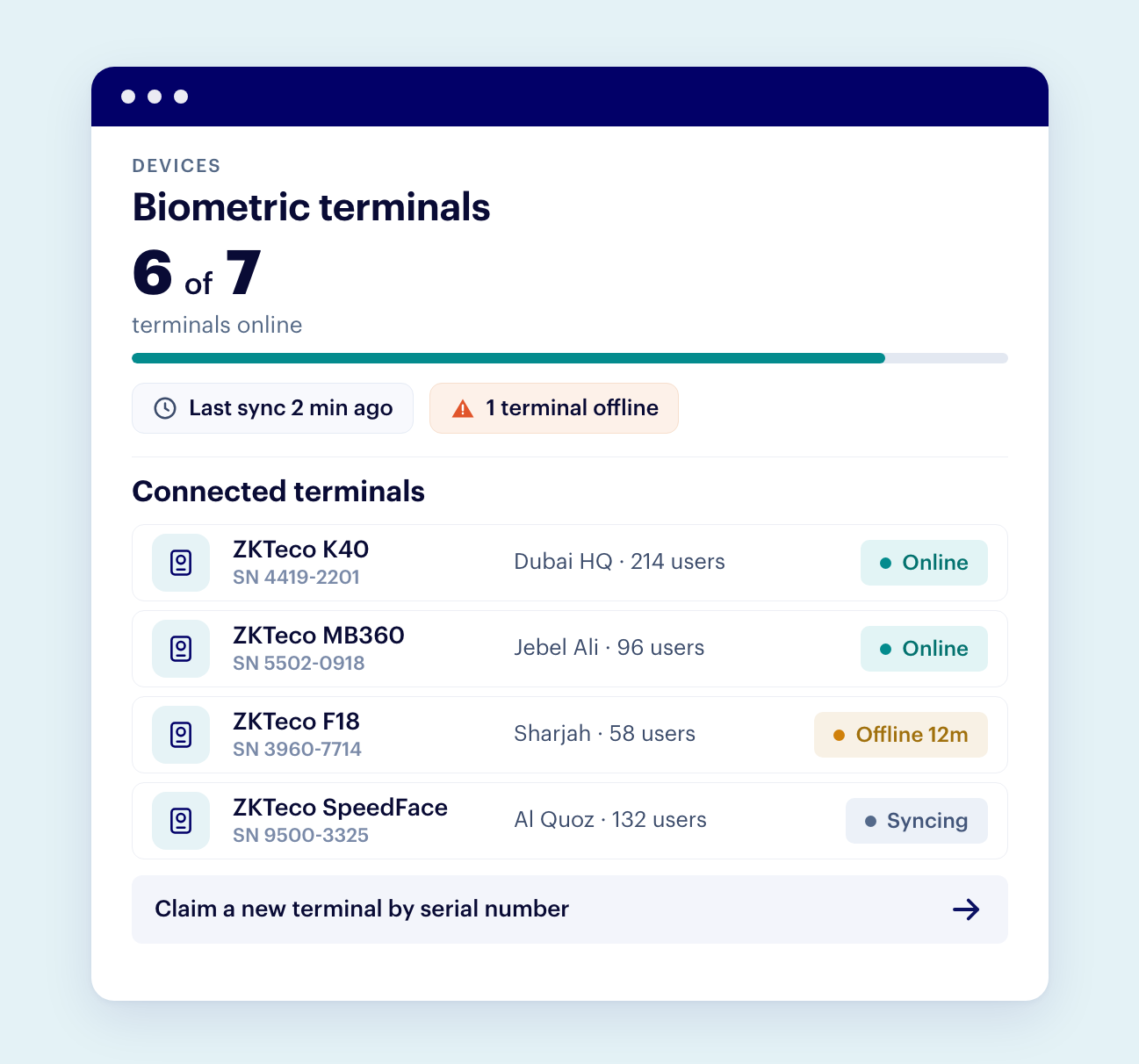
Rosters and shifts
Schedules, grace periods, rest days and time zones per site, with Excel roster import.
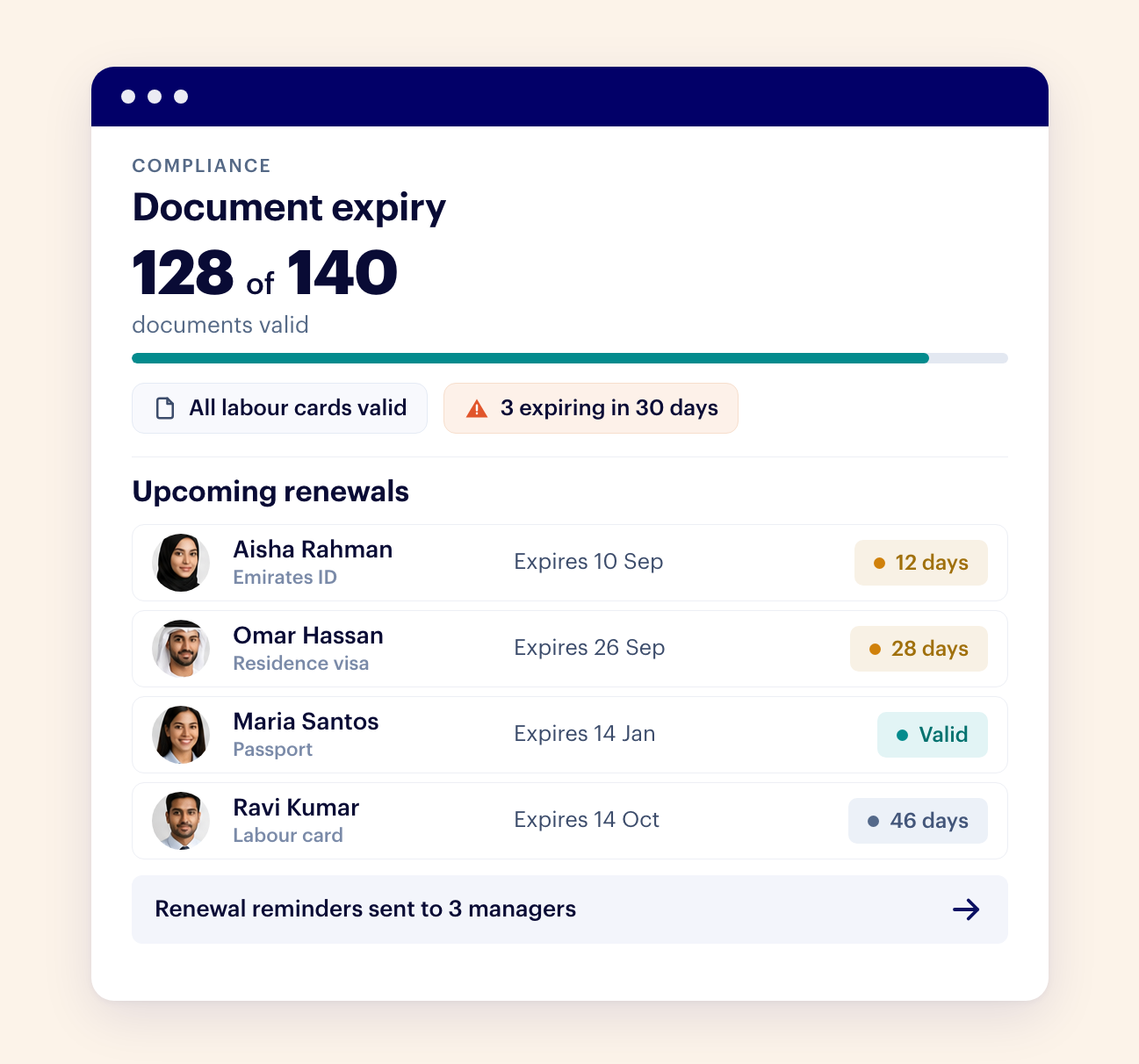
Overtime and WPS
Overtime at the UAE rates in every report, and payroll with a checked WPS SIF file.
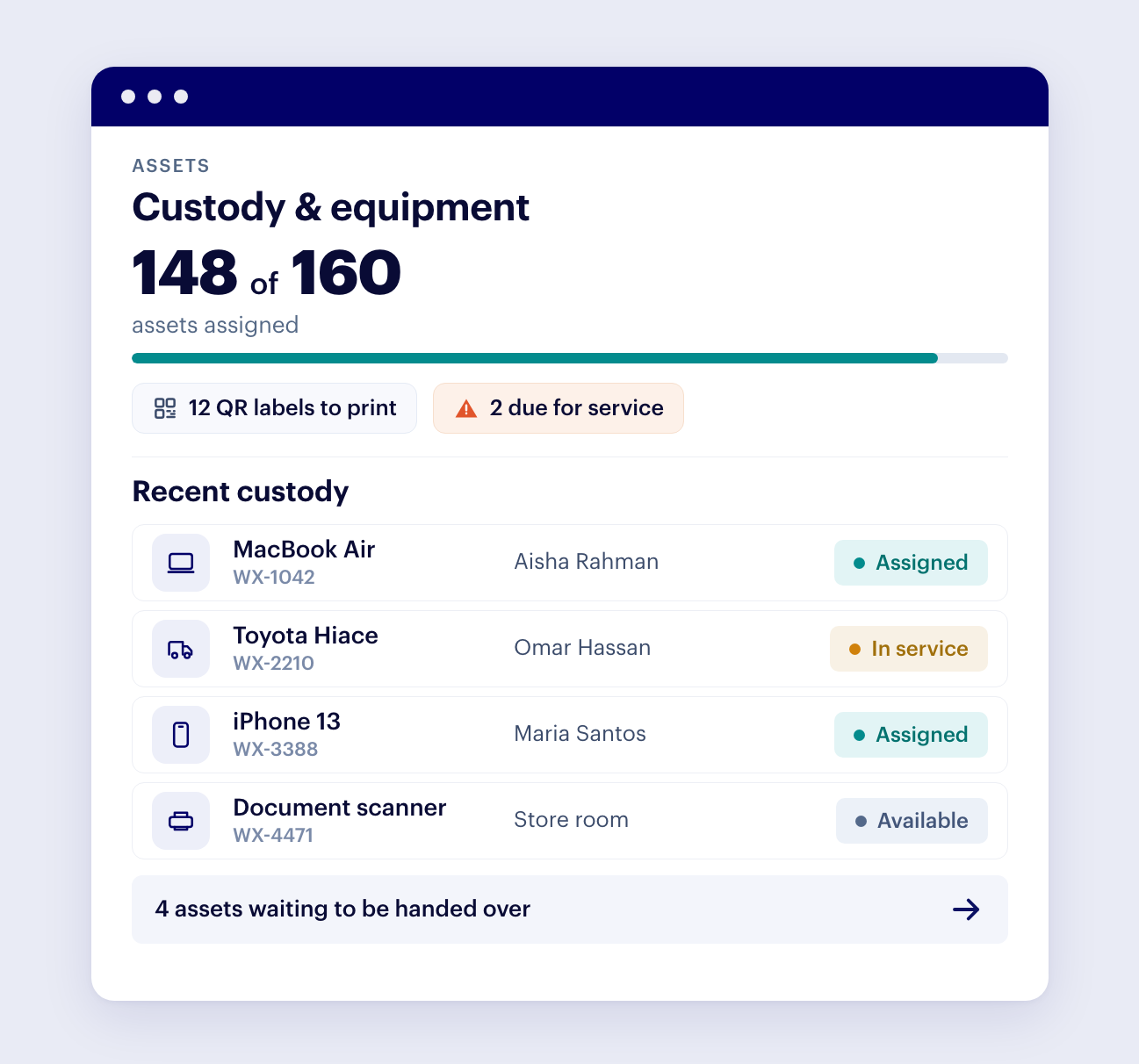
Employee self-service
Staff see their own attendance and balances on a phone, without asking HR.
What Wurxa Attendance changes for your team.
Attendance sits alongside leave, payroll, documents and assets in the same workspace, so a person is one record rather than five.
Stop chasing who forgot to punch out.
Open the Time board and the day is already counted: expected, punched in, late, on leave, absent and no punch yet, for every site at once. It refreshes on its own while you are looking at today, so the first phone call of the morning is to the person who is actually missing, not a round of messages asking who came in.
When someone forgets to punch, or a finger will not read, add a manual punch with the time and a reason. It sits beside the recorded punches, marked Manual, and the recorded ones are never edited or deleted. That is what lets the month stand up when an employee disputes a deduction: every figure traces back to a punch and every correction to a person and a reason.
Keep the terminals already on the wall.
Wurxa speaks ADMS push, the protocol ZKTeco terminals already use, so there is no server to install, no Windows machine to keep switched on and no CSV to export at the end of the week. Point the terminal at Wurxa, claim it by serial number, and punches arrive as they happen. Confirmed models are SpeedFace V4L, V4L Pro, V5L, F18 and K40, and Hikvision terminals are supported in beta.
A terminal counts as online only if it has made contact in the last 15 minutes, worked out from that last contact rather than a status the device reports about itself. If one goes quiet for over an hour, the owner and IT admin hear about it in the app and by email, so a site is never silently missing a week of punches. When it is back, Pull data reads any date range from the terminal. Wurxa never deletes a punch, from the terminal or from your records.
Clock-in for the people who never pass a terminal.
Drivers, merchandisers, site supervisors and anyone who moves between locations punch from the Wurxa app. Each punch carries a selfie and the location, so a manager can see where it was made, and every punch keeps its source, so the monthly report shows whether a day came from a terminal, the app or a manual entry.
Terminals and phones land in the same attendance record and the same reports. You do not choose one method for the whole company: fixed sites keep their terminals and the field team uses phones, under the same rules.
Rules that match each site, in each country.
Each site carries its own working hours, weekly rest days, grace period and time zone, with a live clock to confirm the offset. A shop in Dubai, a warehouse in Abu Dhabi and a branch in Riyadh each keep their own weekend and their own idea of nine o'clock. Public holidays are set as dates, and staff on a rest day show as REST DAY instead of absent.
Most sites need nothing more than their hours. Where people rotate, the roster sets who works which shift on which day, and it can be filled in on screen or imported from Excel. A roster entry beats a shift, a shift beats the site's hours, and the site's hours beat the company default, so every person's day is measured against the schedule they were actually given.
Overtime you can explain to the person being paid it.
Overtime is worked out from real punches at the UAE rates: 125% for ordinary overtime, and 150% for work on the weekly rest day or a public holiday. More than 2 hours of overtime in a day is flagged for review rather than paid without a second look.
Your overtime policy is written down in one place, in plain words: whether overtime starts at the end of the shift or after the contracted day, whether late arrivals make up the time first, any grace before overtime and the minimum it must reach. Before you save a change, Wurxa shows last pay period's overtime before and after, by department. Try it on a real day walks through any person's date step by step, so the answer to "why was I paid this" is a screen, not an argument.
Close the month without rebuilding it in a spreadsheet.
The monthly attendance report gives hours, lateness and overtime for any date range, site or person, and exports to Excel or PDF. If your workspace runs a salary month, it opens on that period. The same calculation drives the Time board, the monthly report and the daily report email, so two screens never disagree about the same day.
Add payroll and the month carries straight on: approved attendance and leave feed payroll, and Wurxa builds the WPS salary information file with every IBAN and routing code checked before the file is made. Nobody re-keys attendance into a payroll sheet, and the bank does not reject a file at the last minute.
Start free, and keep it free for up to 5 employees.
Connect a terminal or punch from a phone today. No card, and nothing to install on site.
Why UAE teams choose Wurxa
Your terminals, no server
ZKTeco terminals connect over ADMS push and are claimed by serial, with Hikvision in beta. Nothing to install on site.
Every site its own rules
Working hours, rest days, grace periods, public holidays and time zone per site, in as many countries as you run.
UAE labour law built in
Overtime at 125%, and 150% on the weekly rest day and public holidays, Ramadan dates in the compliance calendar, and end-of-service gratuity.
WPS files that are checked
Every IBAN and routing code is checked before the SIF file is made, so the bank does not bounce it.
Answers inside the app
Rafiq answers how-to questions inside Wurxa, and Wurxa AI answers from your own data on paid plans and during the trial.
Free to start, flat to grow
Free for up to 5 employees. Paid plans are one flat yearly price per tier, never per seat. Built in Dubai.
Running ZKTeco terminals? ZKTeco attendance software
Hikvision face terminals? Hikvision attendance software (Beta)
Leave on the same record: leave management built on UAE labour law
Hours into salaries: payroll software that pays overtime from these punches
Check a figure by hand: free UAE overtime calculator
Attendance software: common questions
Is Wurxa attendance software free?
Yes, for up to 5 employees on one site, for as long as you like, with no credit card. Every new workspace also gets 14 days with every feature. Paid plans are one flat yearly price per tier, never per seat: AED 1,188 a year + VAT for up to 30 employees, AED 4,999 for up to 200 and AED 12,000 for up to 500, all with unlimited sites.
Do I need biometric hardware to use it?
No. Staff can punch from the Wurxa phone app, which records a selfie and the location with every punch, and you can add biometric terminals whenever you want them. Most UAE teams mix the two: terminals at fixed sites, phones for drivers, supervisors and anyone who moves between locations.
Can it use the ZKTeco terminals I already own?
Yes. Wurxa connects over ADMS push, the protocol ZKTeco terminals already speak, with no server on site. It is confirmed on SpeedFace V4L, V4L Pro, V5L, F18 and K40. You point the terminal at Wurxa, claim it by serial number and punches start arriving. Hikvision terminals are supported in beta.
What happens when a terminal loses its connection?
Nothing is lost. The terminal stores punches while it is offline and sends them when it is back, and Pull data reads any date range from the terminal on demand. Wurxa shows a terminal as online only if it has made contact in the last 15 minutes, and alerts the owner and IT admin if one goes quiet for over an hour.
Does it handle multiple sites and countries?
Yes. Every site carries its own working hours, weekly rest days, grace period and time zone, and public holidays are set as dates. Employee records are shared, so someone who covers two sites is still one person, and sites in different countries each keep their own clock.
How are lateness and overtime worked out?
From each person's scheduled day: a roster entry wins, then their shift, then their site's hours. Late means a first punch after the start plus the grace period. Overtime follows your overtime policy at the UAE rates: 125%, and 150% for work on the weekly rest day or a public holiday. More than 2 hours of overtime in a day is flagged for review.
Does attendance feed payroll?
Yes. The monthly attendance report exports to Excel or PDF, and with the payroll add-on (AED 2,400 a year + VAT) approved attendance and leave feed payroll, and Wurxa builds the WPS SIF file with every IBAN and routing code checked before the file is made.
Can employees see their own attendance?
Yes. Each employee sees their own punches, leave balance and requests in the Wurxa app, and managers see their team. Nobody has to ask HR whether yesterday's punch went through.
See Wurxa Attendance around your actual workflow.
Free for up to 5 employees. Every feature for 14 days, no credit card.