

Hikvision punches in, attendance you can pay from out.
Wurxa takes the punches from your Hikvision terminals and turns them into live attendance, rosters, overtime and WPS payroll across every site, with no PC on site. Hikvision support is in Beta.
The short answer
Wurxa is cloud attendance software that takes punches from Hikvision face and access-control terminals, in Beta. You give Wurxa the terminal's address and admin login, directly or through the small Wurxa Device Bridge on your network; Wurxa tests the connection, points the terminal's event push at your workspace and enrols the site's staff. Punches then feed live attendance, rosters, overtime and WPS payroll, beside any ZKTeco terminals you run. Wurxa is free for up to 5 employees, and paid plans start at AED 1,188 a year plus VAT.
Free for up to 5 employees. Tell us your terminal model and we will check it with you.
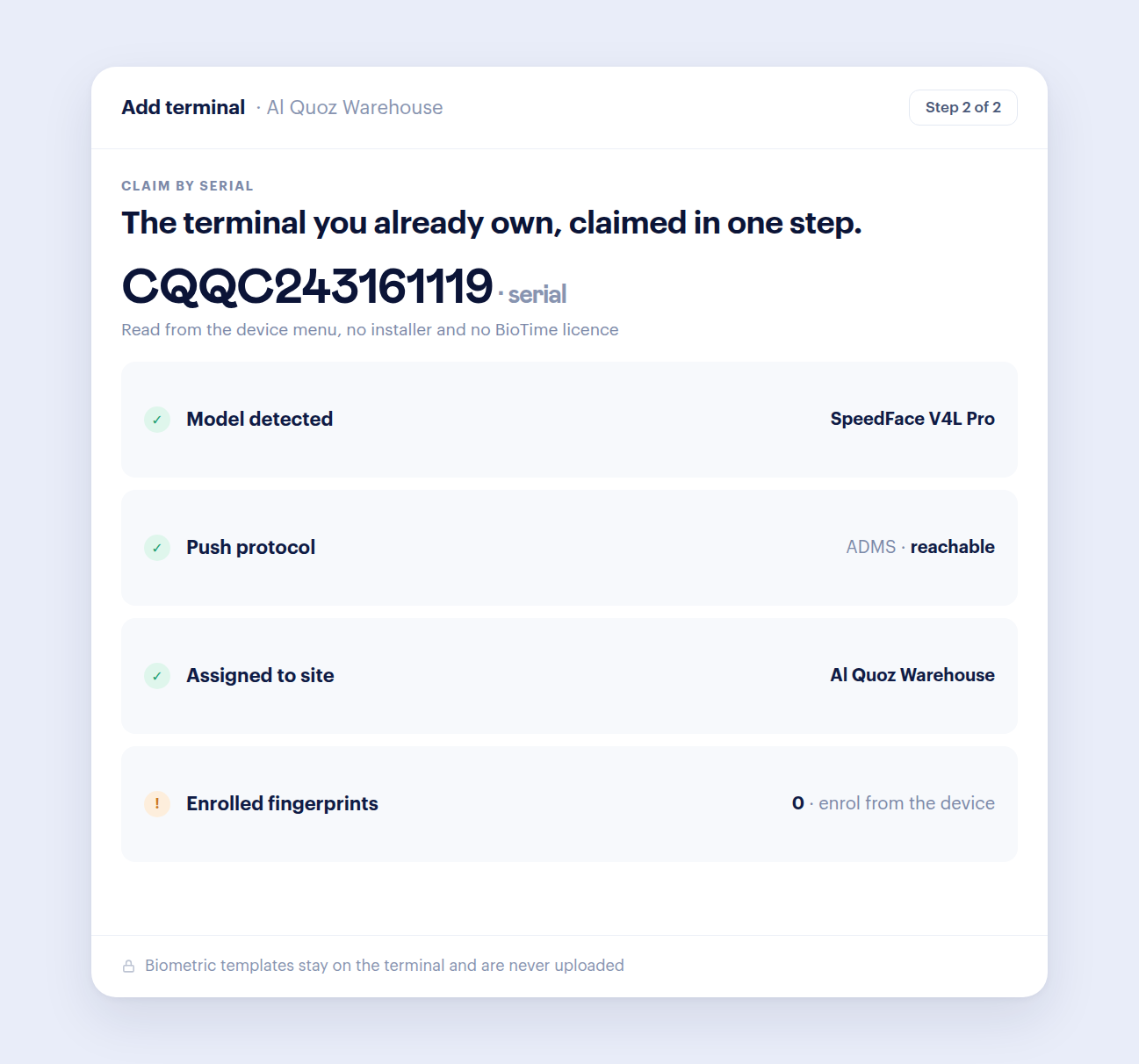
Add your terminal
Add it by address and admin login. Wurxa sets the terminal's event push itself, Test connection shows what it found, and the site's staff are enrolled for you.
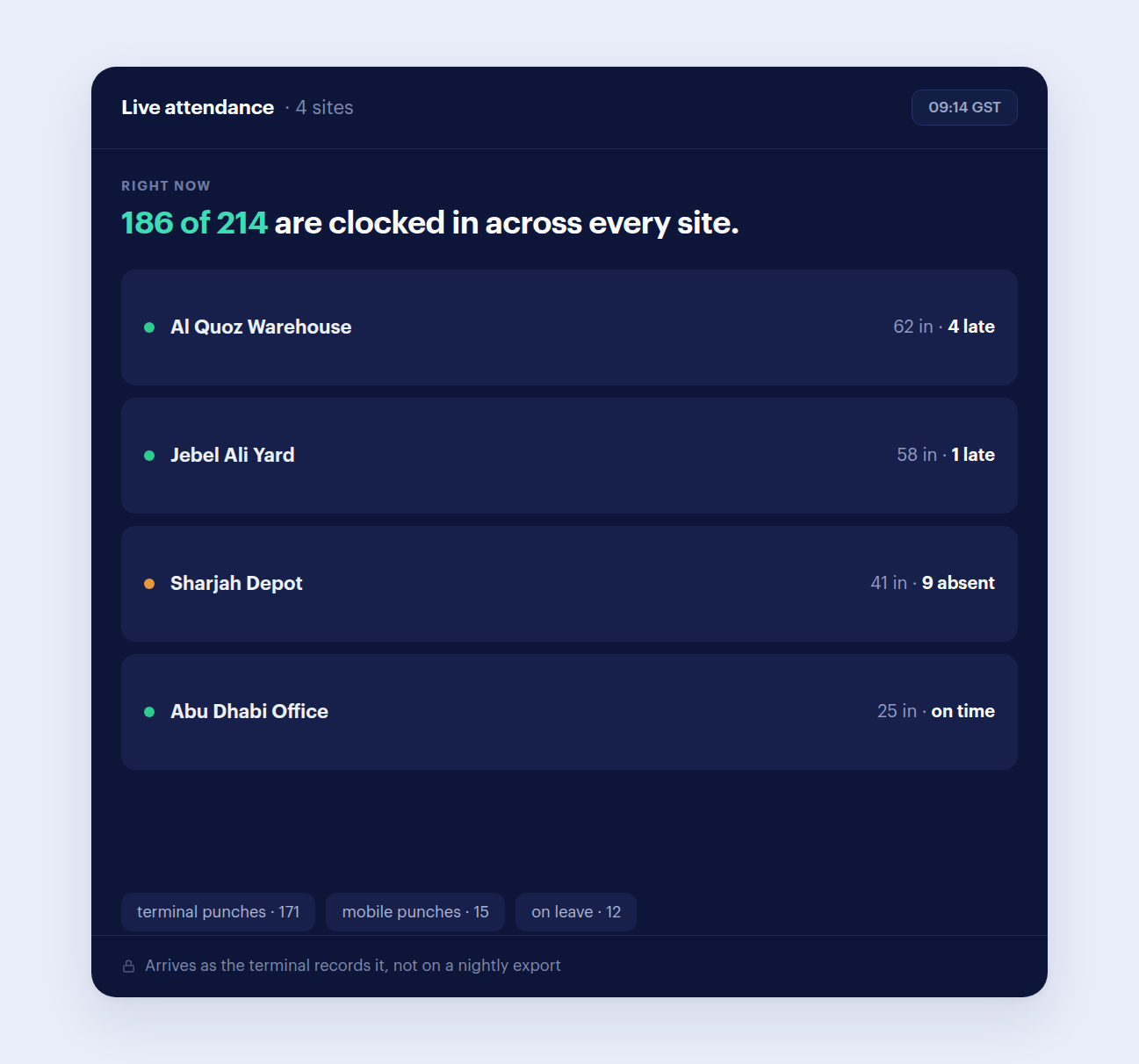
Live attendance
Present, late, absent and on-leave across every location, updating as terminals report.
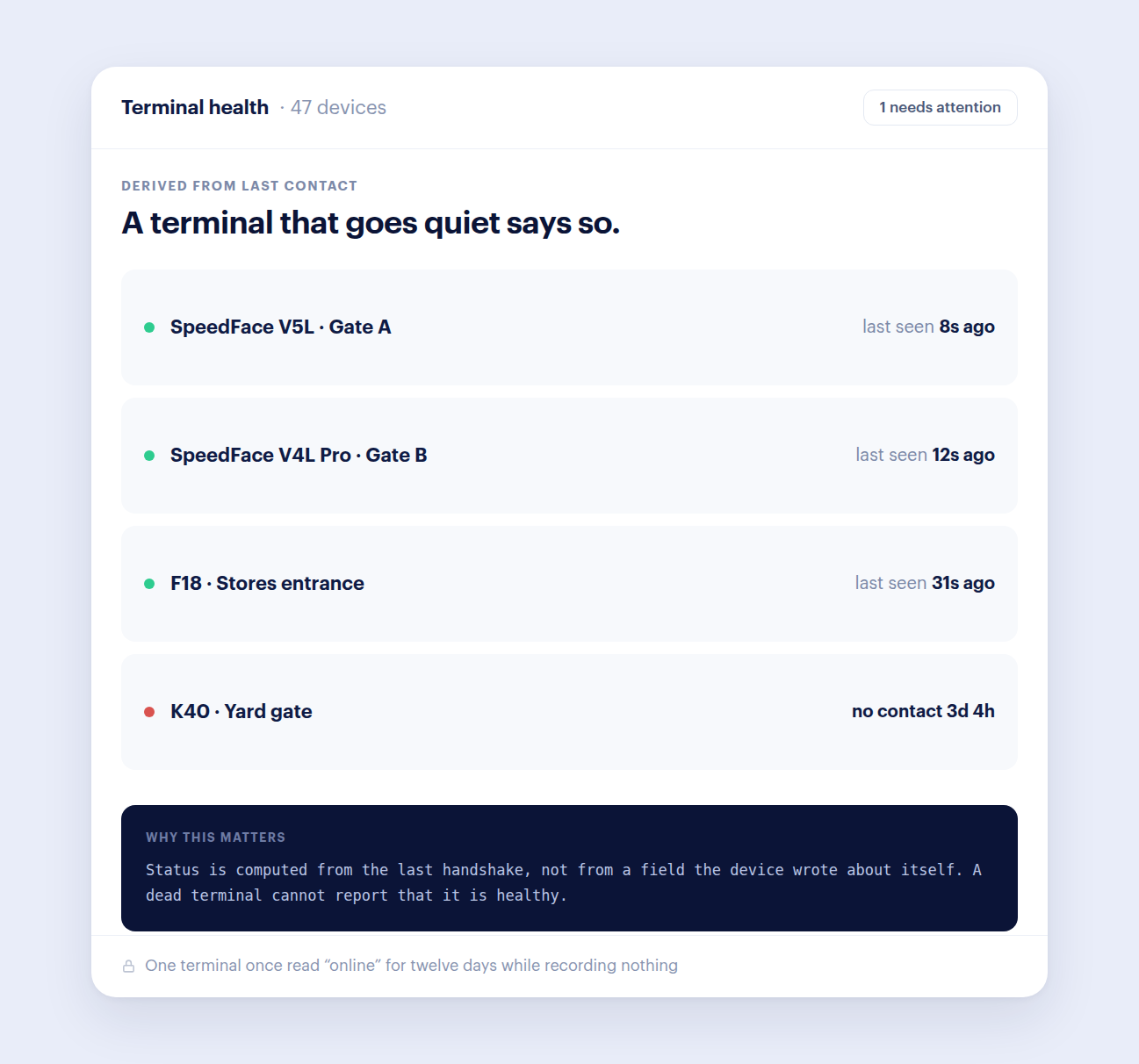
Terminal health
Device state comes from the last real contact, so a silent terminal shows as offline instead of healthy.
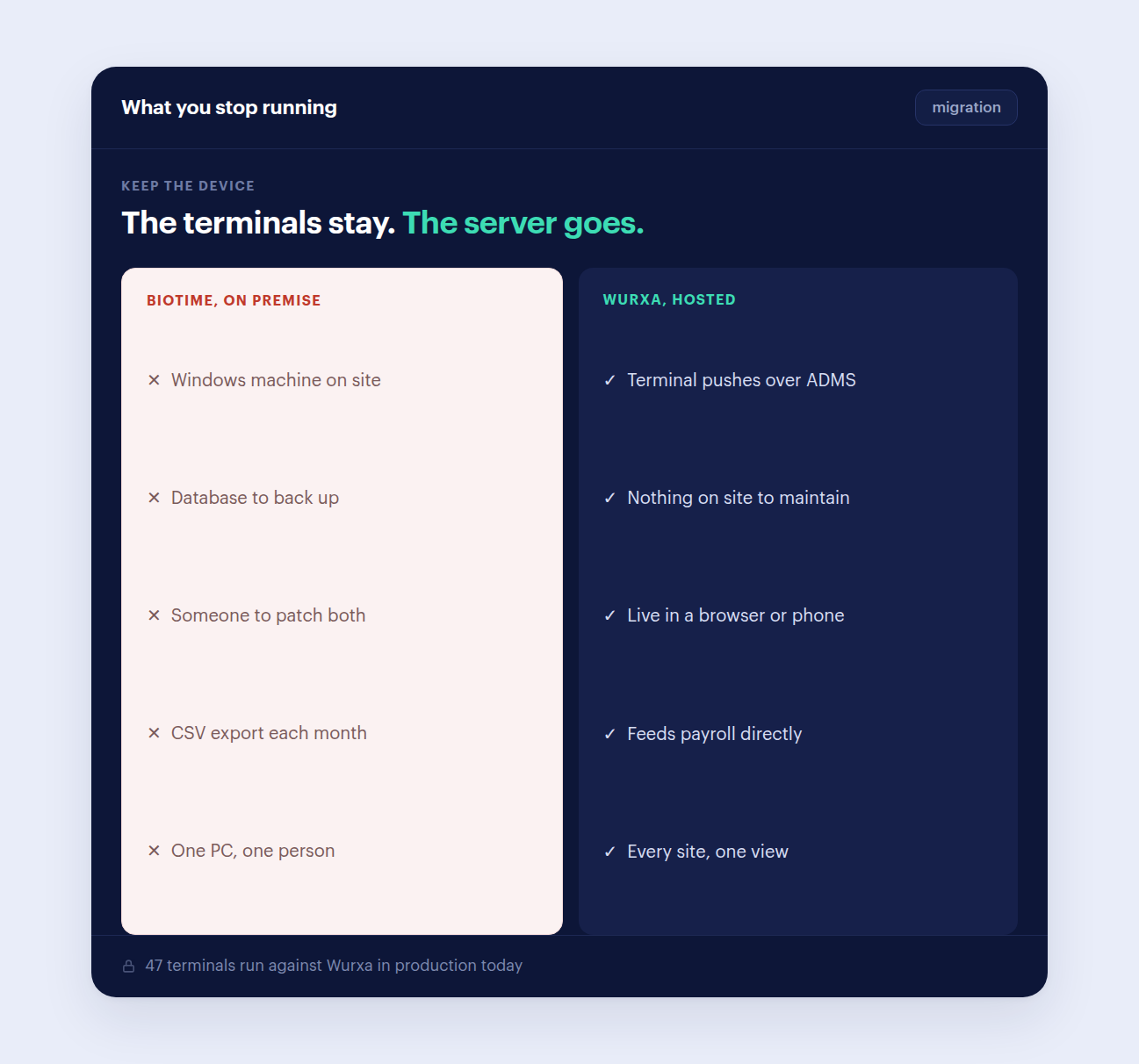
Mixed brands, one workspace
Run Hikvision and ZKTeco side by side. People, rosters and payroll do not care which terminal they punched on.
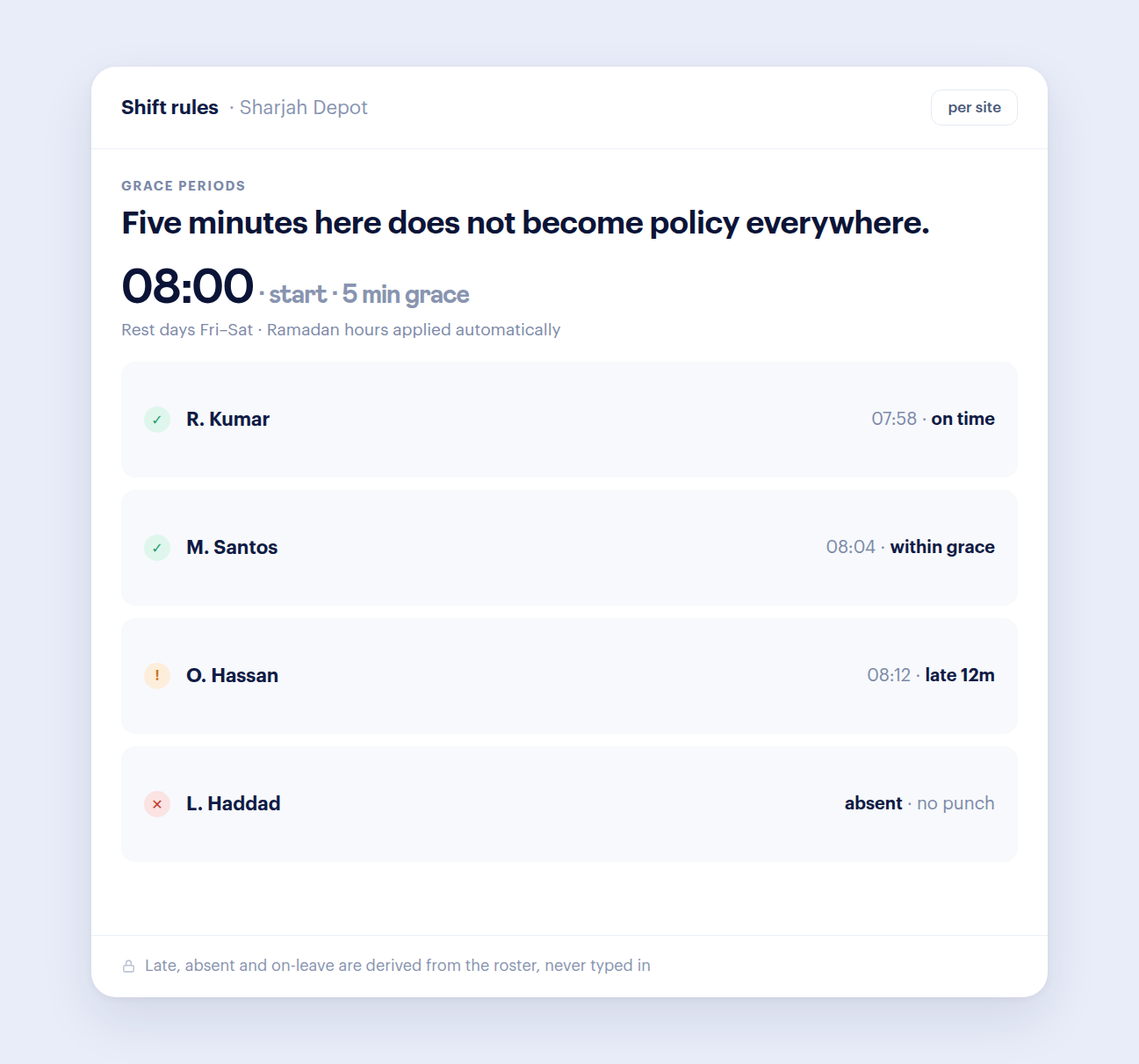
Rosters and overtime
Schedules, grace periods, rest days and overtime rules, set per site rather than company-wide.
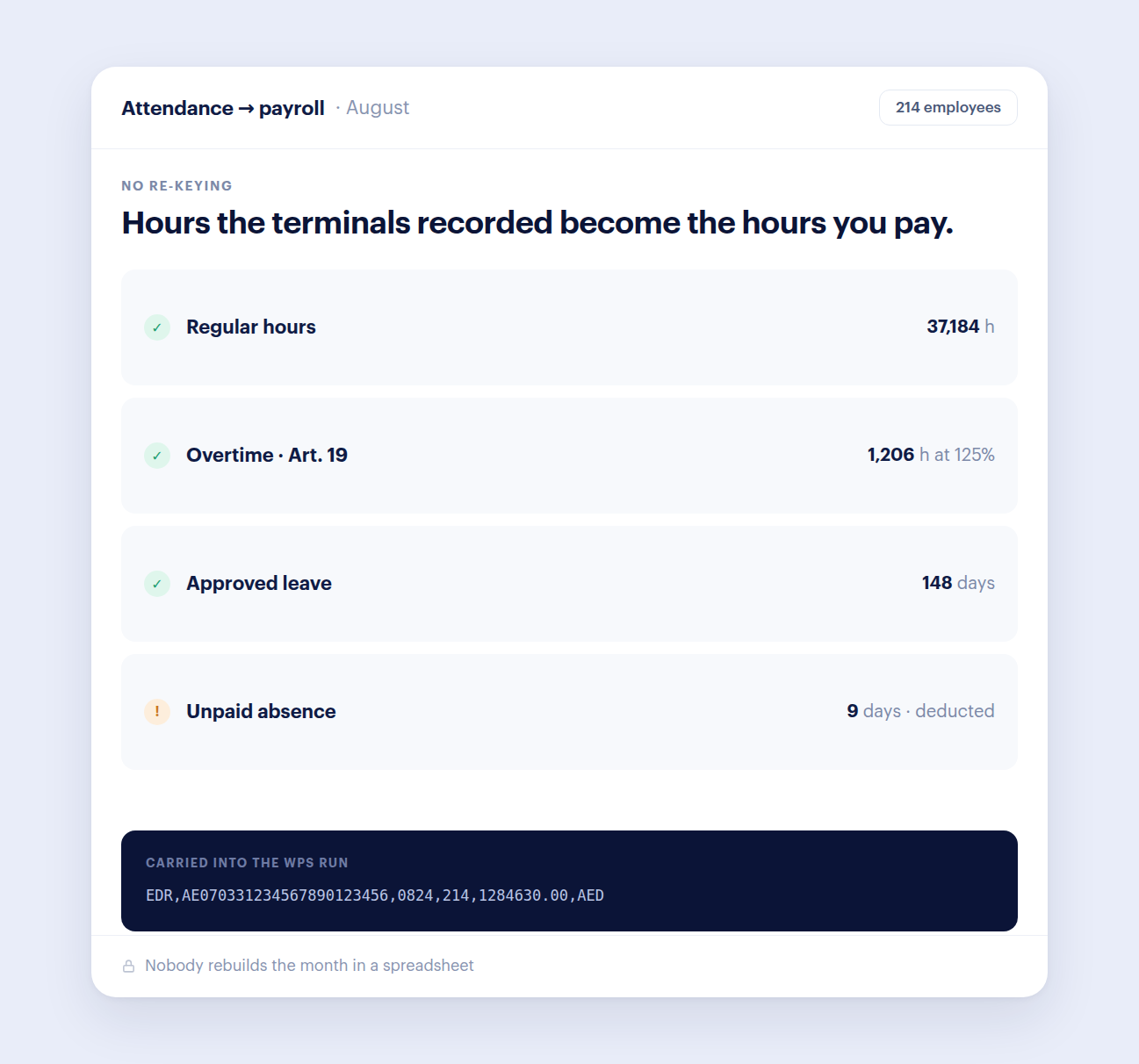
Attendance into WPS payroll
Approved attendance and absence flow into WPS payroll with a checked SIF file.
What Wurxa for Hikvision terminals (Beta) changes for your team.
Hikvision support is in Beta and is being confirmed model by model. Other terminal brands are added only when they are production-ready, not when they are announced.
Running ZKTeco terminals too? ZKTeco attendance software
Everything the punches feed: attendance software for UAE teams
Hours into salaries: WPS payroll software with SIF files
Check overtime by hand: free UAE overtime calculator
Hikvision attendance software: common questions
Is Hikvision support finished?
It is in Beta. Everything on this page is built and running in Wurxa today, and it has been tested against simulated Hikvision terminals; we are confirming it on physical terminal models before we drop the Beta label. Message us your model number and we will tell you plainly whether it is ready for you.
Does Wurxa work with Hikvision terminals?
Yes, in Beta. Add the terminal by its address and admin login (or through the Wurxa Device Bridge when it sits behind your office router) and Wurxa points the terminal's event push at your workspace, so punches arrive live. It is a Beta feature, so tell us the model before you commit and we will check it with you.
Which Hikvision models are supported?
Wurxa is built for Hikvision face and access-control terminals in the DS-K1T family. We are still confirming specific models and firmware, so send us the model number and we will tell you plainly whether it is ready for you.
Can I enrol staff on the terminal from Wurxa?
Yes. When you save a terminal, Wurxa starts enrolling the staff of its site on it in the background, and a face photo added on an employee's profile is sent to the terminal, so nobody retypes the staff list on the device.
Can I use Hikvision and ZKTeco terminals together?
Yes. Each terminal belongs to a site, whichever brand it is, and every punch lands in the same attendance, roster and payroll workspace.
Do I need a PC or server on site?
No. Wurxa is hosted, so there is no attendance PC to keep switched on, back up or patch. Everyone reads the same live data from a browser or phone. A terminal on a private network uses the small Wurxa Device Bridge, which only makes outbound calls, so nothing needs opening on your router.
How do I know a terminal has stopped reporting?
Device health comes from the last time a terminal actually made contact with Wurxa, not from a status it reported about itself. A terminal that goes quiet shows as offline instead of reading healthy while recording nothing.
Does it handle UAE payroll and compliance?
Yes. Overtime is worked out from real punches at the UAE rates of 125% and 150%, and visa, Emirates ID and labour card expiry dates are tracked. The payroll add-on (AED 2,400 a year + VAT) produces WPS SIF files in your bank's format, with gratuity and end-of-service.
What does it cost?
Wurxa is free for up to 5 employees on one site. Paid plans are a flat yearly price per tier, never per seat, starting at AED 1,188 a year + VAT for up to 30 employees. Your terminals stay, so there is no hardware to buy.
See Wurxa for Hikvision terminals (Beta) around your actual workflow.
14 days with every feature. No credit card required.