Free UAE Payslip Generator
Make a clear payslip in AED in a minute: earnings, deductions and net pay, with your logo. Download it as a PDF.
In brief: Enter the company, the employee and the month's basic salary, allowances, overtime and deductions. The preview shows net pay as total earnings minus total deductions, and Download PDF saves exactly that page. Nothing you type leaves your browser.
Enter the payslip
Nothing you type leaves your browser. See the preview
Preview
- Employee
- Not entered
- Employee ID
- Not entered
- Designation
- Not entered
- Pay period
- Not entered
| Earnings | AED |
|---|---|
| None | |
| Total earnings | 0.00 |
| Deductions | AED |
|---|---|
| None | |
| Total deductions | 0.00 |
Made with the free payslip generator at wurxa.com. Check every figure before you share it.
Opens your browser’s print window. Choose “Save as PDF” as the printer.
Payslips: common questions
What should a UAE payslip show?
The employer's name, the employee's name, ID and designation, the pay period, each earning (basic salary, every allowance and any overtime), each deduction, and the net pay. Many employers also show the bank and a masked IBAN so the employee can match the payslip to the salary transfer.
How do I save the payslip as a PDF?
Press Download PDF. Your browser's print window opens with only the payslip on the page; choose Save as PDF as the printer. On a phone, use the share or print option the browser offers and pick Save as PDF.
Is anything I type sent to Wurxa?
No. The generator runs in your browser. The names, amounts, IBAN and logo you enter stay on your device and are gone when you close the page.
Why is the IBAN partly hidden?
A payslip is often printed, emailed or shared, so it shows only the country code and the last four characters. That is enough for the employee to recognise the account.
How do I work out the overtime amount?
Enter the overtime amount for the month. To work it out from hours at the UAE overtime rates, use the free UAE overtime calculator, then copy the total here.
Does this payslip replace the WPS salary file?
No. The payslip is the employee's statement. The salary itself is paid through the Wage Protection System with a salary information file (SIF) that your bank or exchange house processes. The free WPS SIF file generator builds that file.
Every payslip made from payroll, every month.
Wurxa Payroll works out each month's pay from salary items and recorded attendance, makes a PDF payslip for every employee, and staff download theirs in the Wurxa app. The same run builds the WPS salary file.
Payroll is an add-on for paid Workforce plans, and the 14-day trial includes it. No credit card.
One workspace, four products
Wurxa Workforce
Attendance, people, leave and payroll for teams working across sites.
Explore Wurxa Workforce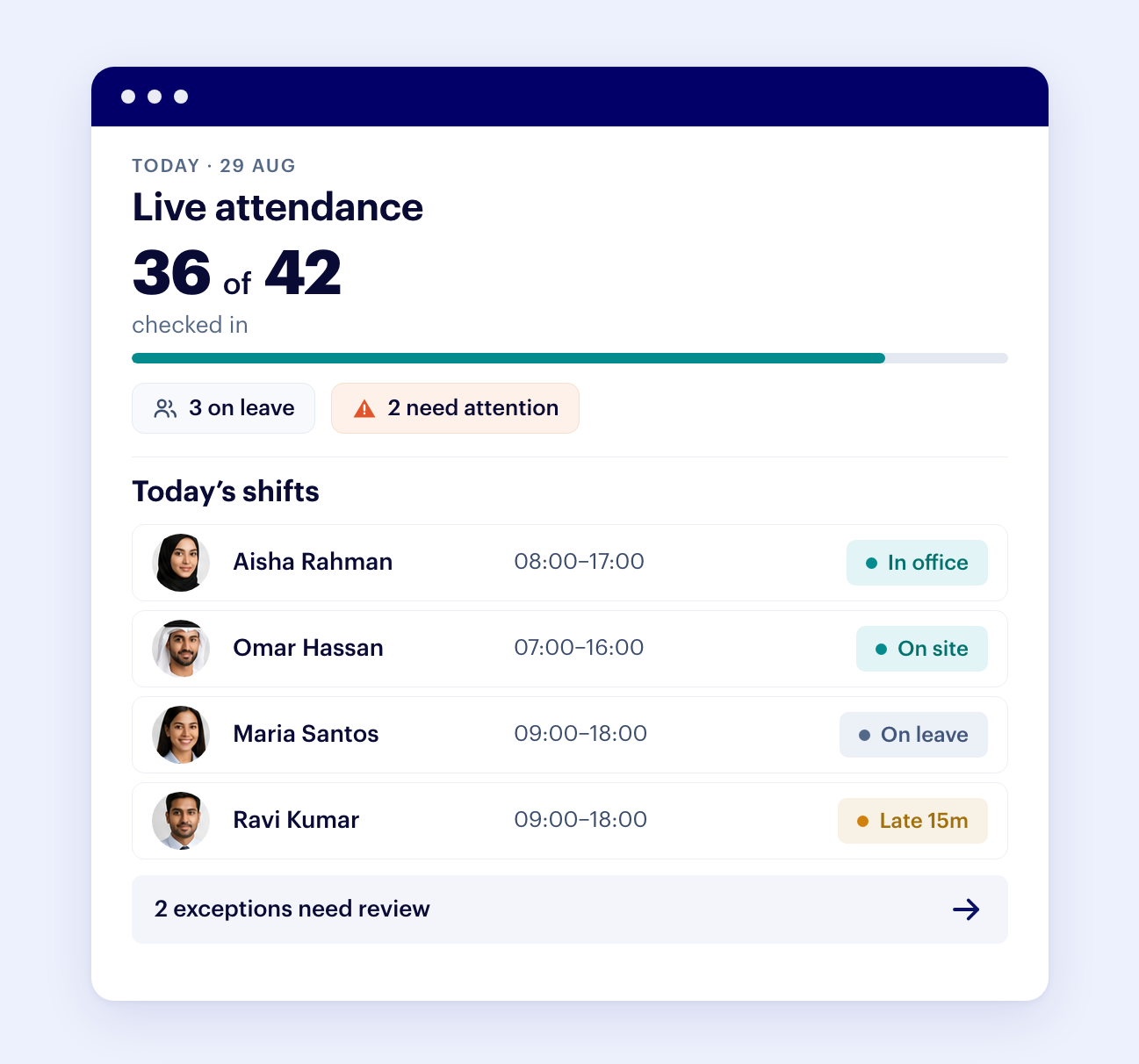
Wurxa PRO
Cases, customers, renewals and billing for typing centres and PRO offices.
Explore Wurxa PRO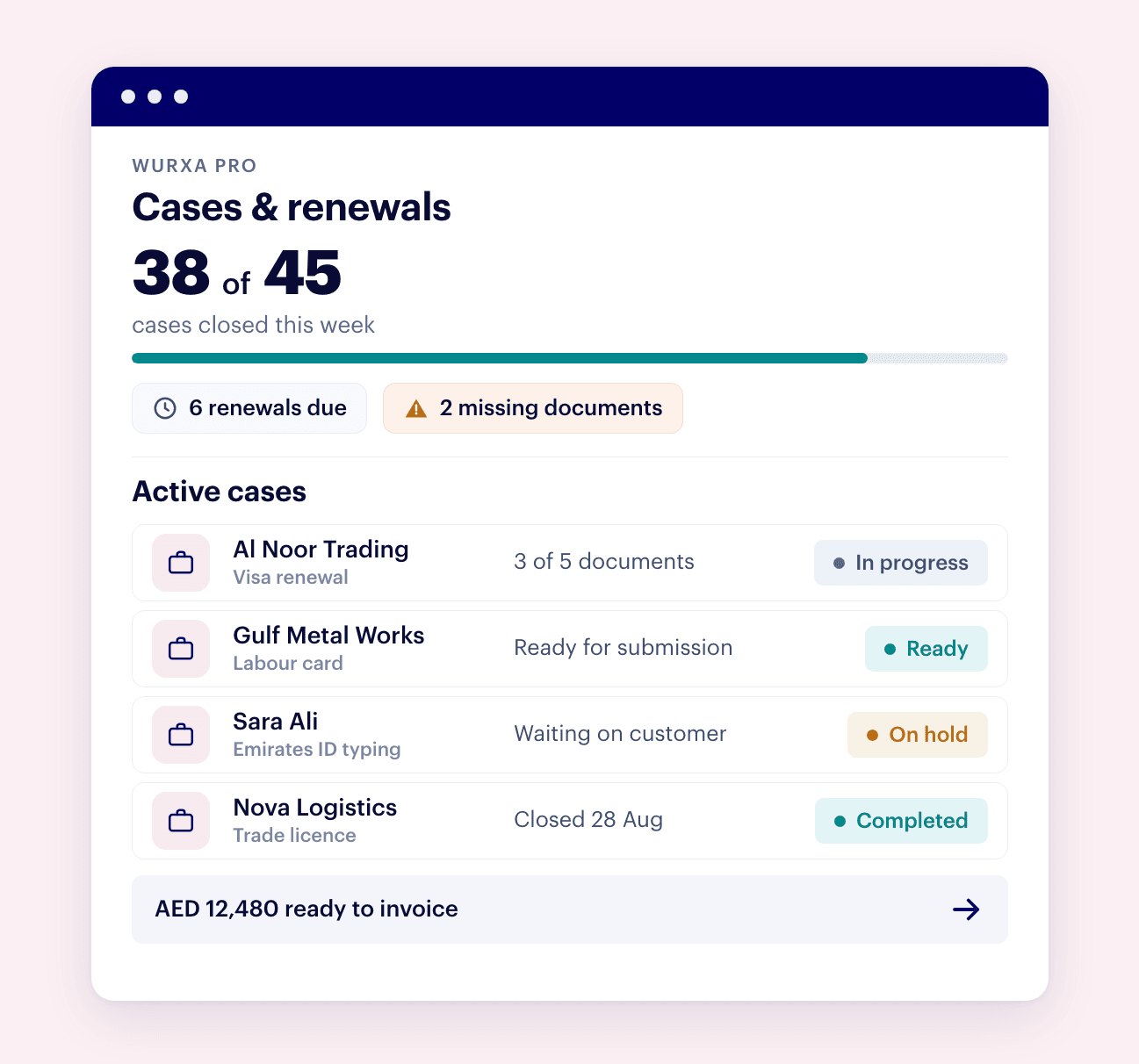
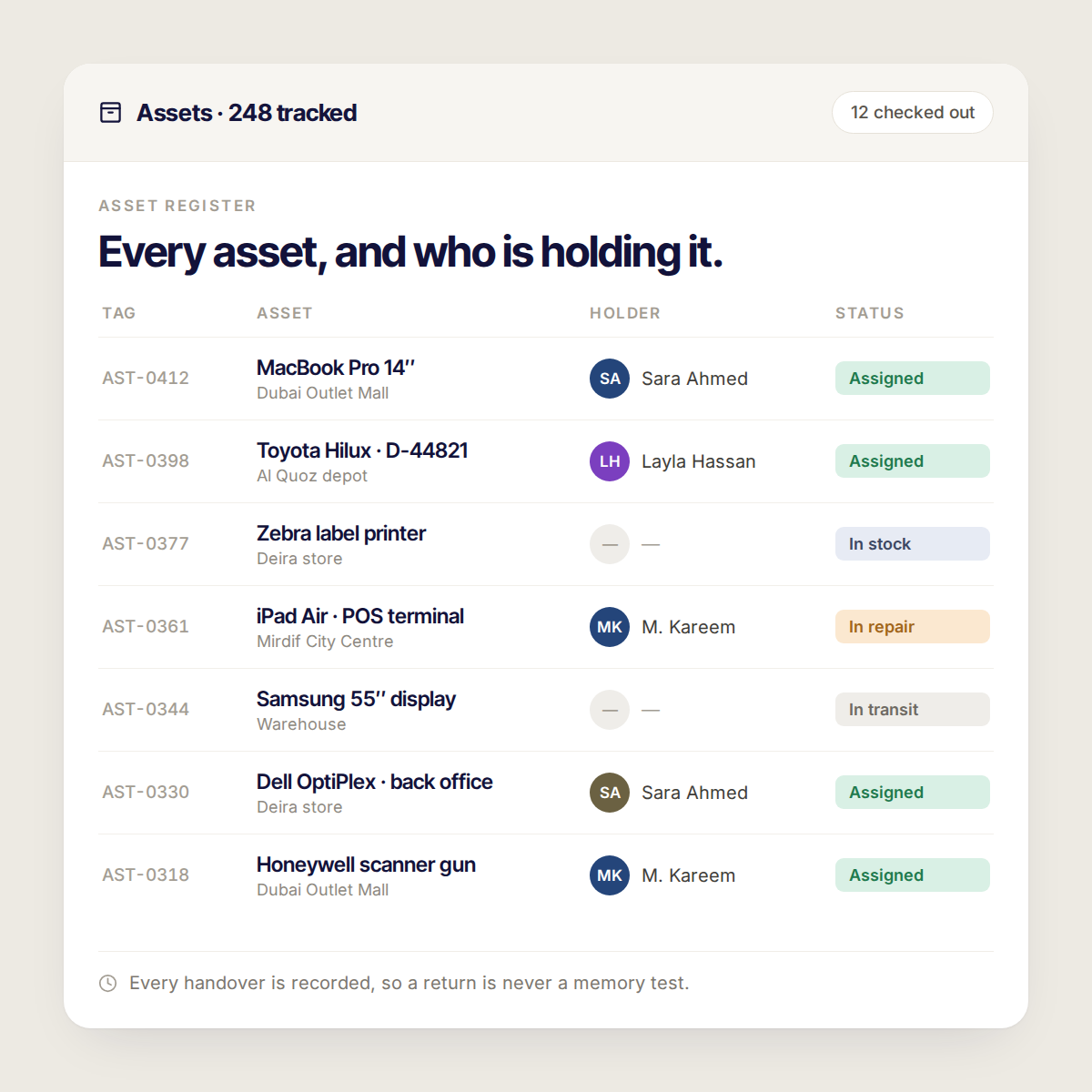
Wurxa Assets
Free asset management for equipment, vehicles and IT kit, with custody trails, QR labels and audits.
Explore Wurxa Assets